Free download · Pack 1

Midnight is watching
your lock screen.

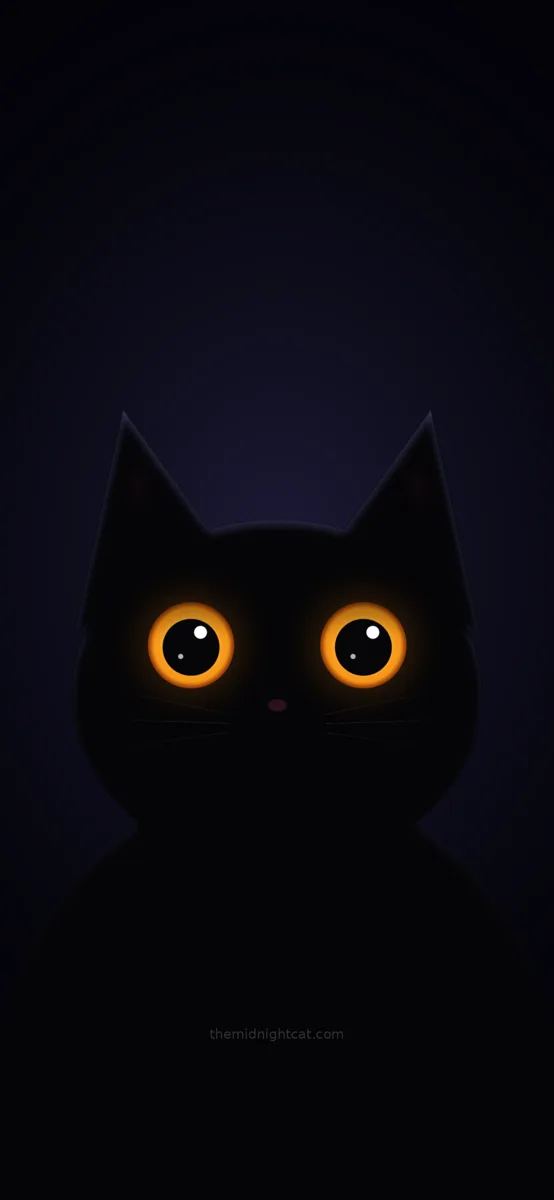
Two glowing eyes in the dark. On iPhone they blink when you wake the phone. Free for iPhone, iPad and Android.

Get the wallpapers
iPhone · iOS 17 or newer

Blinking Live Photo

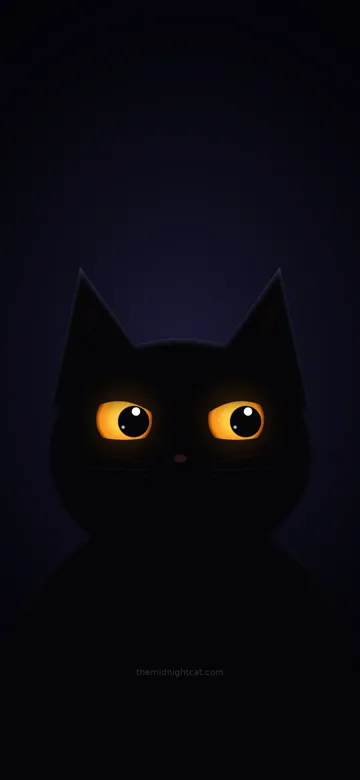
Black cat wallpaper: two glowing amber eyes in the dark

A real Live Photo. Wake your phone and Midnight blinks once, then settles. No app needed.

Download Live Photo
Older iPhone · iPad

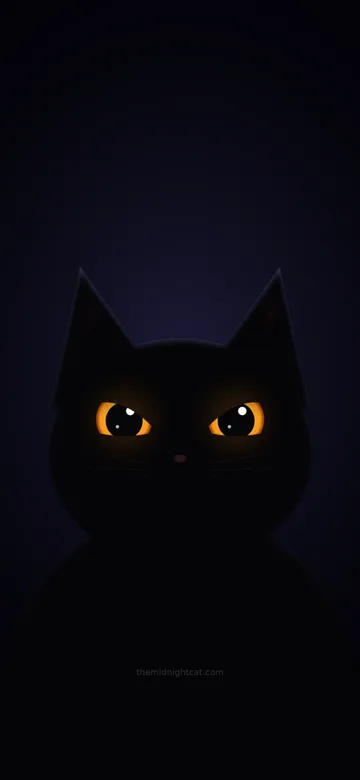
Seven moods, shuffling

Black cat wallpaper: Midnight giving a judging side-eye

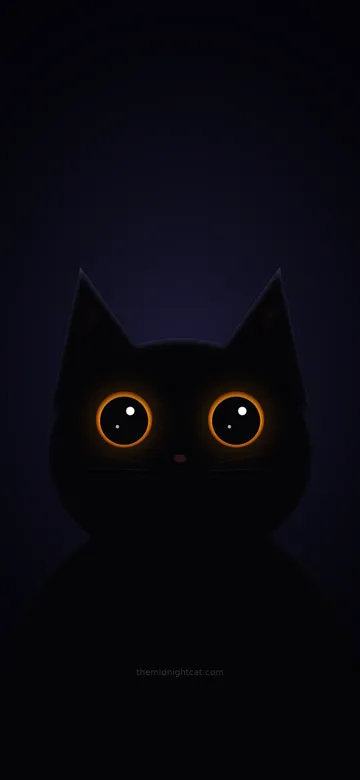
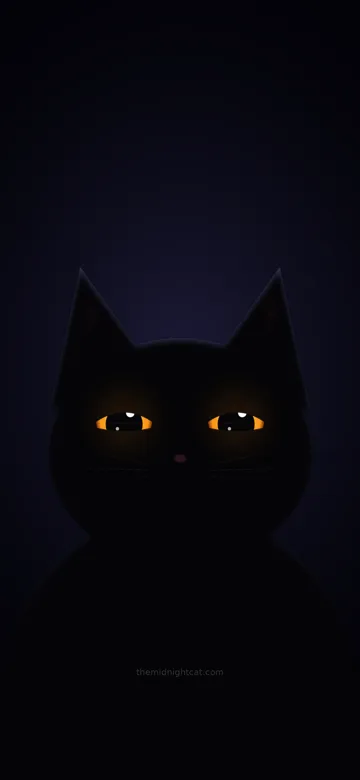
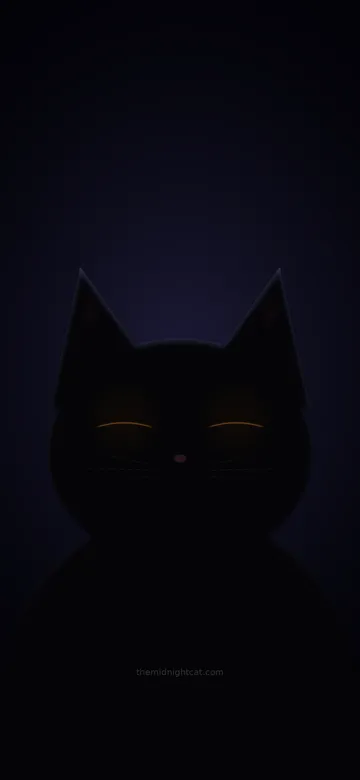
Seven eye expressions that rotate on your lock screen with Photo Shuffle. Works on iPhone X, 8 and up, and on iPad.

Download for iPhone Download for iPad
Android

Video wallpaper

Black cat wallpaper: two glowing amber eyes in the dark

The same blinking eyes as a short looping video for any Android live-wallpaper app.

Download video
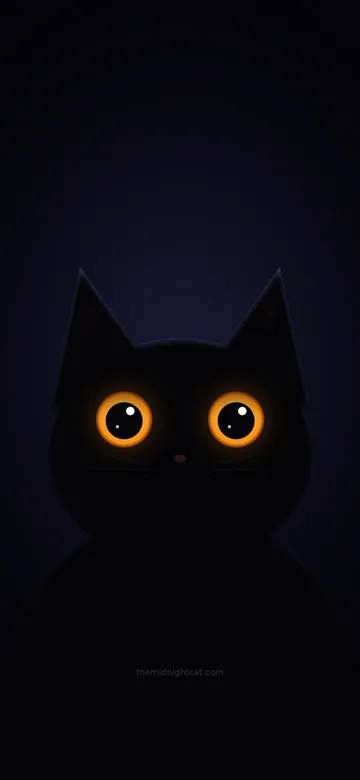
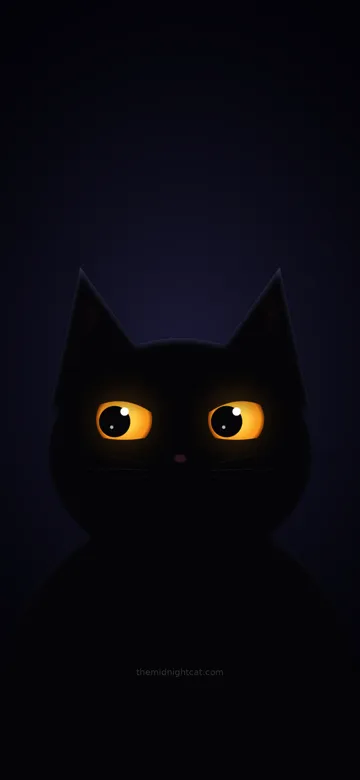
Wide awake Side-eye left Judging Side-eye right Big pupils Sleepy Happy slow blink

© 2026 The Midnight Cat. Free for personal use on your own devices. No resale, redistribution or re-uploading. More Midnight packs are coming, including a Christmas one.

How to install

Three minutes. No app.

iPhone with iOS 17+: Live Photo
  1. Download the zip on your iPhone and open it in Files (tap it once to unzip).
  2. You get two files with the same name: MIDNIGHT_EYES.HEIC and MIDNIGHT_EYES.MOV.
  3. Select both → Share → Save 2 Items (or Save to Photos). They join into one Live Photo.
  4. Settings → Wallpaper → Add New Wallpaper → Photos → pick it.
  5. Make sure the Live Photo button (top left of the preview) is on, then tap Add. Touch and hold the lock screen to see him blink.

On a Mac, AirDrop both files at the same time. Low Power Mode pauses Live Photo motion.

iPhone X, 8, or iPad: Photo Shuffle
  1. Download the zip, open it in Files, and save the 7 pictures to Photos.
  2. iPhone: Settings → Wallpaper → Add New Wallpaper → Photo Shuffle → pick the 7 Midnight pictures. Choose "On Tap" or "On Lock" for how often he changes mood.
  3. iPad: use the iPad zip (square images). Settings → Wallpaper → Add New Wallpaper → Photo Shuffle.

Photo Shuffle needs iOS 16 or newer. The iPhone X can run iOS 16, but not the iOS 17 Live Photo wallpaper.

Android
  1. Download the video.
  2. Set it as a live wallpaper with a video wallpaper app (many are free), or the built-in option on Samsung and other phones.

New Midnight every day.

Follow for the daily shorts and the next wallpaper drop.

Subscribe on YouTube Instagram Pinterest